
Introduction
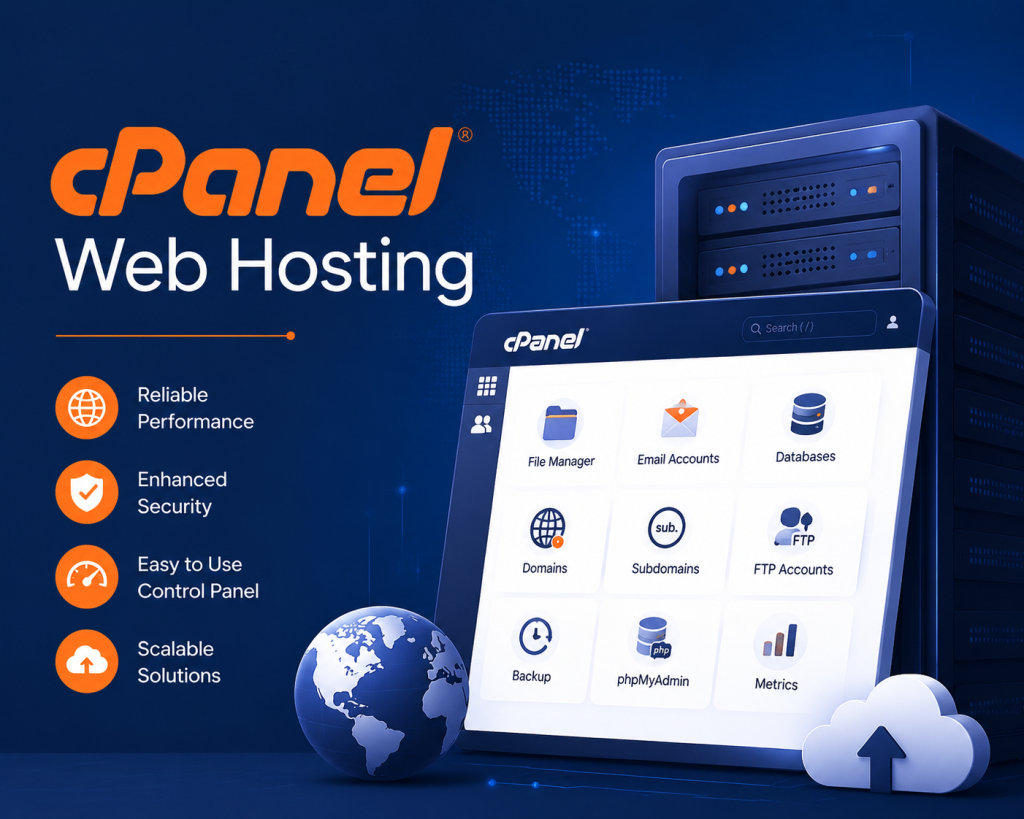
cPanel web hosting is one of the basic web hosting services available in the market owing to its ease of use and efficient management tools. It makes web hosting easy for people, thereby gaining popularity amongst many others. OnliveServer provides good cPanel Hosting Provider options that can cater to different kinds of clients whether their website is big or small. The friendly interface of the control panel facilitates the management of domains, emails, and databases by customers. In today’s scenario, where most of the business operations take place online, it becomes important to choose the correct hosting services. But what makes cPanel stand out amongst the rest? It is not only its simplicity but also the advanced technology that makes it the best choice.
Understanding cPanel Web Hosting
Understanding cPanel starts with comprehending the basic workings of it. The most important aspect is that cPanel works as a user interface that simplifies the web hosting process. Not only is it easy to use but it is highly powerful.
What is cPanel?
cPanel web hosting is built around its capability to oversee several aspects of web hosting from one place. Whether you have anything related to domains, emails, or databases to look after, cPanel makes sure that all is well with everything. You don’t have to be technically sound for anything.
Key Features
- User-Friendly Interface: Easy navigation for beginners and experts alike.
- Detailed Toolset: Covers domains, emails, and databases.
- Security Features: Built-in firewalls and anti-virus protection.
- Backup Management: Automated options to safeguard data.
Why Choose cPanel?
The next question that is asked would be: Why should we choose cPanel over any other software? For starters, it is the blend between efficiency and simplicity. On days when everything seems to be hectic and time is not on your side; you can always depend upon cPanel’s performance. What exactly makes cPanel so special?
Setting Up Your cPanel Hosting
Getting started with cPanel is not as daunting as it sounds. Let’s break it down.
Installation Steps
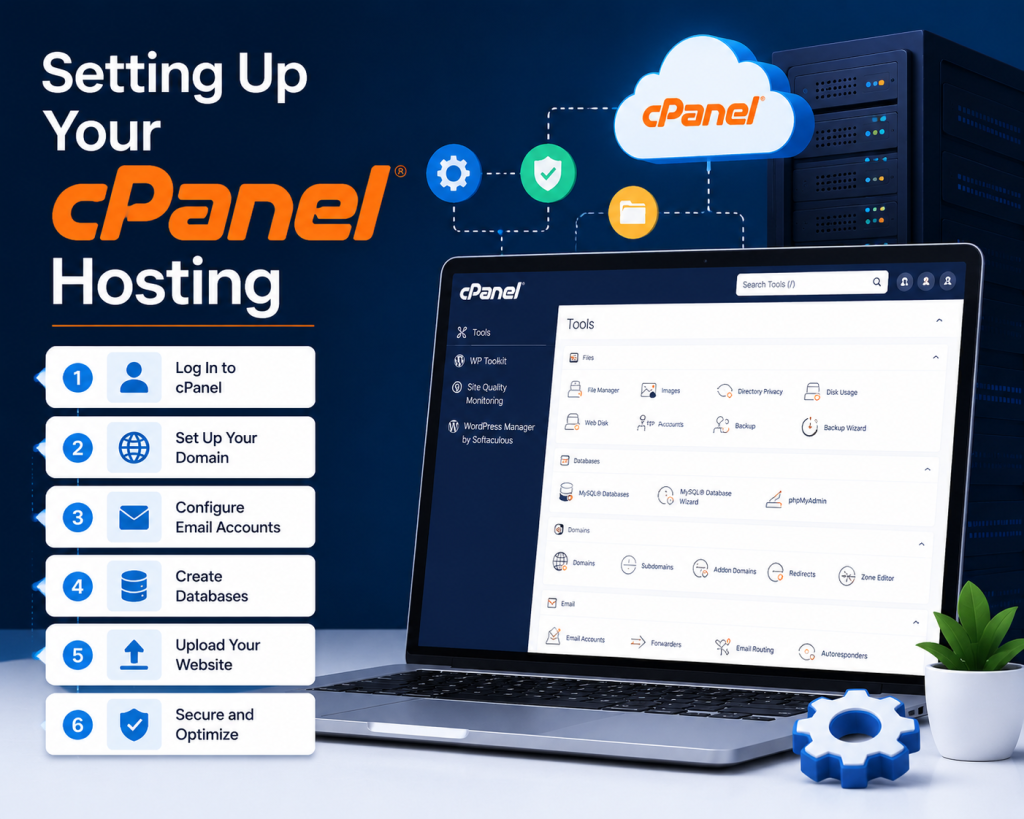
- Choose a Hosting Provider: Opt for a provider that offers cPanel, like OnliveServer, known for its reliability.
- Access cPanel: Once your account is active, login credentials will be provided to access the cPanel dashboard.
- Domain Setup: Within cPanel, navigate to the Domain section and add your domain name.
Initial Configuration
- Email Accounts: Set up professional email addresses.
- FTP Accounts: Configure FTP for file transfers.
- Database Integration: Choose MySQL and create necessary databases.
Testing
Testing is essential before going online; test emails, FTP, databases, and any other service to ensure smooth operation. Just remember that cPanel provides numerous tools for monitoring to keep the system running at optimal levels.
The process might appear complicated, but thanks to the intuitive interface, anyone who is new to this can easily set up his/her hosting account using cPanel.
Comparing cPanel with Other Control Panels
Choosing a control panel can seem overwhelming. But understanding the distinctions can make all the difference.
cPanel vs. Plesk
- User Interface: cPanel offers a straightforward interface, while Plesk provides a more customizable experience.
- Platform Compatibility: cPanel is Linux-centric, Plesk runs on both Linux and Windows.
cPanel vs. DirectAdmin
- Ease of Use: cPanel is traditionally more user-friendly.
- Cost: DirectAdmin offers a budget-friendly option.
Security Comparison
- Built-in Tools: cPanel provides solid security measures like ModSecurity.
- Updates: Regular updates ensure vulnerabilities are patched swiftly.
While choices can be subjective, the detailed toolset and user-friendly design make cPanel an appealing choice for many. It’s the ease of use combined with powerful features that often tip the scales in its favor.
cPanel Hosting Setup: A User-Friendly Guide
Setting up cPanel web hosting can be both straightforward and daunting, depending on your approach. Start correctly and save hours later.
Choose Your Plan
cPanel Web Hosting Plan
Selecting the right hosting plan is crucial. Consider bandwidth, storage, and additional features that suit your website’s needs.
- Bandwidth: Ensure adequate monthly data transfer
- Storage: SSD vs. traditional drives impact performance
- Features: Free SSL, email accounts, and backups
Configure Your Domain
Pointing your domain to the hosting server can seem complex. Use your registrar’s DNS settings or contact support for guidance.
- DNS Settings: Update to point to the new server
- Email Configuration: Set up MX records for email routing
Install Applications
cPanel offers one-click installations for popular applications. Whether it’s WordPress or Joomla, installation is a breeze.
- One-Click Installs: Save time with automatic setups
- Application Updates: Regularly update for security patches
With this setup, you’re ready to manage your site efficiently and without hassles.
Optimizing Performance on cPanel Servers
Performance optimization on cPanel servers is a complex beast. Yet, it’s vital for a site’s success.
Hardware Choices
Your hardware impacts site speed. Choose wisely.
- CPU: Affects processing power; more cores, better multitasking
- RAM: Influences how many simultaneous operations the server can handle
- SSD: Provides faster read/write speeds than HDDs
Software Tweaks
Software updates and configurations play pivotal roles.
- Caching: Implements to reduce server load and improve speed
- PHP Versions: Use the latest supported version for better performance
- Databases: Optimize tables and queries regularly
Monitoring Tools
Ensure you’re tracking performance metrics to catch issues early.
- Server Logs: Analyze for errors and bottlenecks
- raffic Analytics: Monitor bandwidth usage
Performance optimization ensures your web applications run smoothly, enhancing user experience and search indexing.
Security Measures in cPanel Hosting
Security should never be an afterthought. Here’s how cPanel can help protect your online assets.
Basic Security Setup
Start with basics that every site needs.
- Firewall: Essential for blocking unauthorized access
- SSL Certificates: Encrypt data transmission with ease
- Backups: Regular backups safeguard against data loss
Advanced Security Tools
Go beyond the basics for heightened protection.
- ModSecurity: Adds an extra layer of security with a web application firewall
- Two-Factor Authentication: Adds a second layer of security for access
- Virus Scanner: Scans files for malicious threats
Monitoring and Response
Continuous monitoring helps in identifying threats before they escalate.
- Intrusion Detection: Keep an eye on unauthorized access attempts
- Notifications: Set alerts for unusual activity
By implementing these measures, you reinforce your site’s defenses, ensuring data integrity and customer trust.
Conclusion
Choose OnliveServer for an assured hosting service. Their customized packages will cater to all your requirements. In the changing world of the internet, choosing a dependable host becomes extremely important. With you can have all the modern facilities at your fingertips. Not only do you assure efficiency with good hosting, but you also earn your visitors’ trust.